Plumbing Receipt Generator with Labor, Parts and Deposit
Labor, parts, deposit and balance due for a job, on a full-page PDF to sign and hand over.
- No signup required
- Works on any device
- Private & secure
- Pro from $5.92/mo removes the watermark
What's on it
What's Included in a Plumbing Receipt
9 parts, each already laid out. Open one to see why it matters.
- Parts already laid out
- 9
- Totals add up as you type
- Auto
- Formats: PDF and PNG
- 2
1
Receipt number and date
Set in Receipt details. The Next number button moves to the following number, so each receipt in a run is numbered in order, and the receipt date is the day you issue it.
2
Plumbing company and licensing
Your business name, address and contact, with a logo if you have one. Under Licensing, add a license number and an insurance policy number; each prints under your details, and a blank one is left off. Check your licensing authority's rules on what to show.
3
Customer
The customer's name and contact. The job address has its own field in Job, so the street where the work was done prints once, even when the customer's mailing address is elsewhere.
4
Job: address, service date, work order and description
Job address, the service date, a work order or contract reference that ties this receipt to a quote or contract, and a short description of the work done on this visit or stage.
5
Labor & parts lines
One line per item. Each has a description, optional details, hours or quantity, a rate and an amount. Enter hours and a rate and the amount is worked out for you; type an amount yourself and it stays. Add as many lines as the job needs.
6
Line type
Mark each line as Labor, Parts or Call-out. The type prints under the line's description, so the customer can see which part of the bill is time and which is materials. The type also decides which lines the tax rate applies to: Parts lines only.
7
Deposit received and balance
Enter the deposit already paid in the Deposit received field. The totals show the subtotal, the deposit, the amount received now and the balance due. When the balance reaches zero the receipt shows PAID IN FULL. If you charge tax, enter a rate under Tax; it applies to Parts lines, and the receipt adds Tax and Total rows after the subtotal, with the balance based on the total. Whether and how much tax applies to your work varies, so check your local rules.
8
Payment method and reference
Cash, check, card, bank transfer or payment app, with the check number or transaction reference.
9
Amount in words and signature
The amount received now is spelled out, for example 'Two hundred dollars and 00/100'. Add the signer's name and title, upload a signature image, or print the PDF and sign it by hand.
Who Uses This Template
- Plumbers and plumbing companies issuing receipts for repairs and installs
- Drain-cleaning and water-heater service businesses
- Handymen who take plumbing jobs and want a clear paper trail
- Plumbers who work for property managers and landlords and are asked for a receipt for each job
Making Your Plumbing Receipt, Step by Step
- 1
Add your company
- 2
Add the customer and the job
- 3
List labor and parts
- 4
Record the deposit and payment
- 5
Sign and download
Pricing
Free to make. Pro when you need it.
Every template, edit and download is free, with a watermark. Go Pro to remove it and add your own branding.
Pro Annual
Save 40%$5.92/ month
$70.99 billed annually.
Plan includes
- Unlimited watermark-free PDFs & PNGs
- Your logo & brand colors
- Custom fonts & spacing
- Every receipt template
Free · $0
PDF and PNG downloads with a watermark.
Plumbing Receipt Guide
The detail behind the template. Open what you need.
Ready to fill one in?
Free downloads include a watermark. No account required.
About the plumbing receipt
A plumbing receipt tells the customer what was paid for a job and what is still owed. Enter the job, add labor and parts lines, record the deposit and the payment, then download a full-page PDF to sign and hand over.
Plumbing jobs are often paid in stages: a deposit up front, then the rest once the work is done. Customers want a receipt for each payment, and a plumber needs the same record of who paid what for which job. A receipt that names the job, lists labor and parts, and shows the deposit and the balance answers most questions later.
This editor lays the receipt out as a full page. Labor lines take hours and an hourly rate, and the amount fills in as hours multiplied by rate, so 3 hours at 80.00 shows 240.00 and the totals follow. Parts and call-out lines work the same way with a quantity and a price. Your license and insurance numbers print under your business details when you fill them in. The editor keeps your latest draft in this browser; saving it to My Templates, so you can reuse it for every job on any device, needs a free account (downloads stay watermarked until you go Pro).
What the Rules Say
Publication 583 lists the documents that support a business's records: sales slips, paid bills, invoices, receipts, deposit slips and canceled checks. It says to keep supporting documents that show the amounts and sources of your gross receipts, and names receipt books and invoices among the documents that show them. A receipt for each payment is one of those documents.
Source: IRS Publication 583Publication 583 says that, except in a few cases, the law does not require any specific kind of records. You can choose any recordkeeping system suited to your business that clearly shows your income and expenses. There is no required receipt form for a plumbing job; what matters is that the record is clear.
Source: IRS Publication 583Publication 583 says to keep records that support an item of income or deduction on a return until the period of limitations for that return runs out, and gives longer periods for some records, such as employment tax records. How long that is depends on your situation, so ask a tax professional about your own records.
Source: IRS Publication 583
Filled-In Example
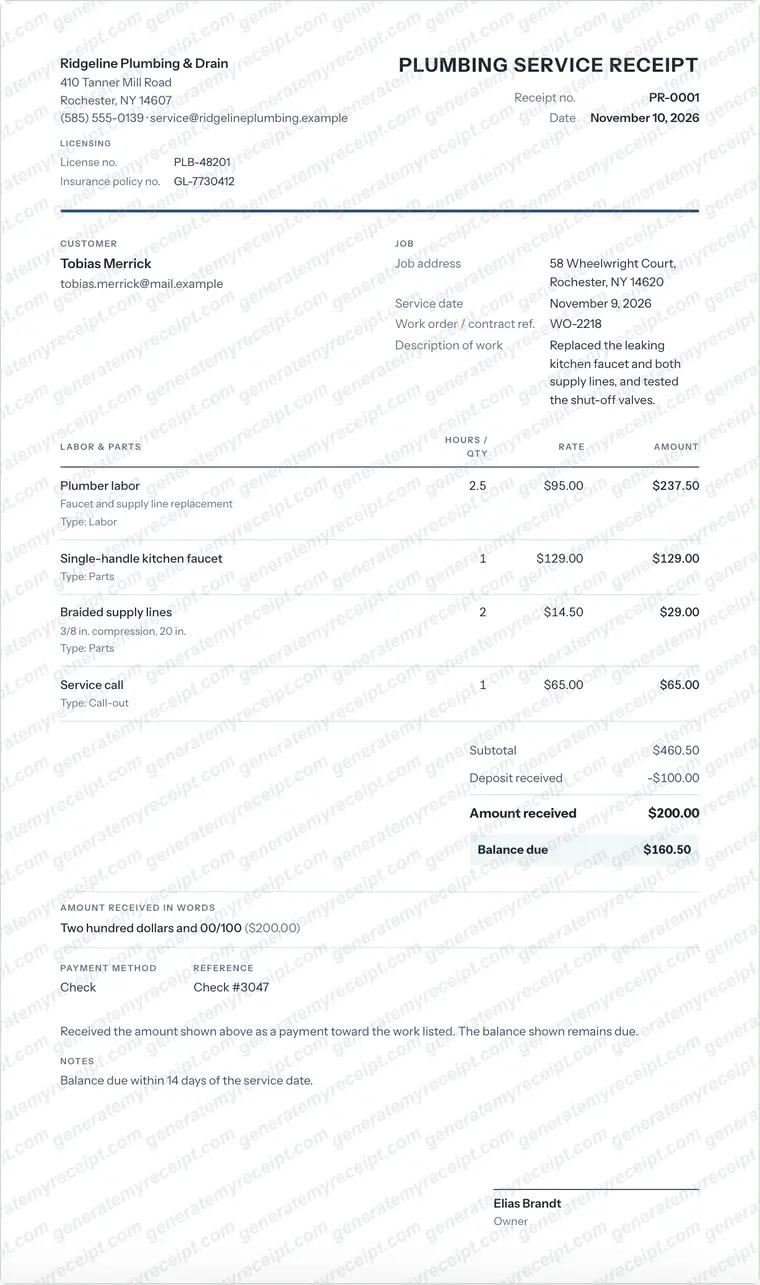
- Plumber labor: 2.5 h at 95.00
- 237.50
- Single-handle kitchen faucet: 1 at 129.00
- 129.00
- Braided supply lines: 2 at 14.50
- 29.00
- Service call: 1 at 65.00
- 65.00
- Subtotal
- 460.50
- Deposit received
- 100.00
- Amount received (check #3047)
- 200.00
- Balance due
- 160.50
Sample with invented names: Ridgeline Plumbing & Drain (license PLB-48201) to Tobias Merrick for work at 58 Wheelwright Court on November 9, 2026, receipt PR-0001 dated November 10, 2026. Labor is 2.5 hours at 95.00, plus a faucet, two supply lines and a service call, for 460.50. After the 100.00 deposit and a 200.00 payment, 160.50 is still due.
Common Mistakes to Avoid
- Writing 'plumbing work' with no description. Say what was done and where, and tie the receipt to the work order or quote.
- Leaving out the deposit. If a deposit was paid, show it so the balance is right and a later receipt doesn't count it twice.
- Lumping labor and parts into one price on a bigger job. Separate lines make the bill easier for the customer to check.
- Typing a labor amount that doesn't match hours times rate. Enter the hours and the rate and let the editor work out the amount.
- Forgetting to mark the last receipt as paid in full. When the balance is zero, the receipt shows PAID IN FULL.
Good to know: Put the work order or quote number on every receipt for a job. When a deposit, a mid-job payment and a final payment all point to the same reference, the customer and you can add them up in seconds.
Which Document Do You Need?
| If you have | Use |
|---|---|
| Proof that a payment was made for a plumbing job | This plumbing receipt. It records what was paid, what the money covered and what is still owed. |
| A request for payment | A plumbing invoice asks the customer to pay. A receipt confirms that payment arrived, so you issue it after the money comes in. This editor makes receipts, not invoices or quotes. |
| A price before the work starts | A quote or estimate states the expected cost. Reference its number on the receipt so stage payments add up. |
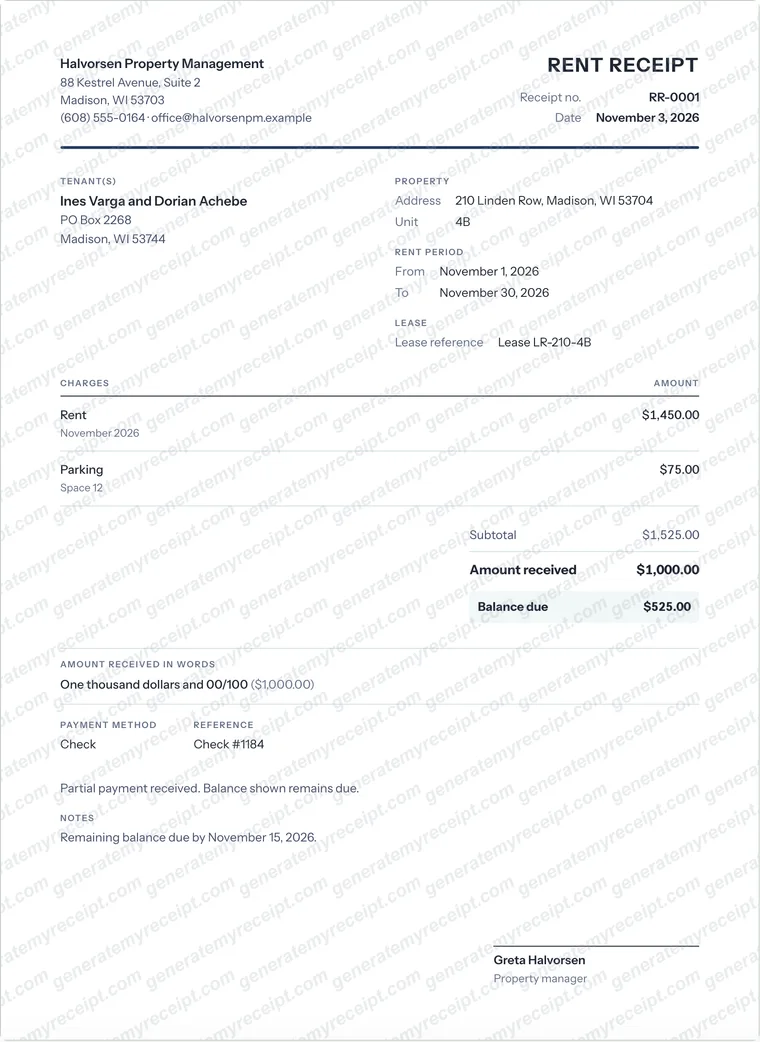
| A receipt for rent rather than plumbing work | A rent receipt records one payment of rent for a period. |
| An itemized record of goods sold | An itemized receipt lists each item with quantity, price and tax. |
Step-by-Step Details
- Add your company. Enter the name, address and contact in Plumbing company, add your license and insurance numbers under Licensing, and upload a logo if you have one.
- Add the customer and the job. Enter the customer's name and contact, then the job address, service date, work order or contract reference and a short description of the work.
- List labor and parts. Add a line for each item and set its type. For labor, type the hours and the hourly rate and the amount fills in. Add parts and a call-out the same way.
- Record the deposit and payment. Enter the deposit received and the amount received now, choose the payment method and add the check number or reference. The balance and the amount in words update as you type.
- Sign and download. Add the signer's name and title and a signature image, or sign the printed copy. Download a Letter or A4 PDF and hand it over or send it yourself. Free downloads carry a watermark; Pro removes it.
Plumbing Receipt FAQs
What should a plumbing receipt include?
The plumbing company's name and contact, the customer, the job address and service date, a description of the work, labor and parts with amounts, the payment received, any deposit paid earlier, the balance, the payment method and a signature. Add your license and insurance numbers if you use them.
Plumbing invoice vs receipt: what's the difference?
An invoice asks the customer to pay and states the amount owed. A receipt confirms that a payment was received. Many plumbers send an invoice first and issue a receipt when the money arrives. This editor makes receipts.
How do I show hours and an hourly rate?
Add a line, set its type to Labor, then type the hours and the rate. The amount is worked out as hours times rate, for example 2.5 hours at 95.00 is 237.50. If you type an amount yourself, the editor keeps it.
How do I show a deposit on the receipt?
Enter it in the Deposit received field. The totals show the subtotal (with Tax and Total rows if you set a tax rate), the deposit, the amount received now and the balance due, and the receipt shows PAID IN FULL once the balance reaches zero.
Do I have to put my license number on a plumbing receipt?
Check your licensing authority's rules. The editor has a license field and an insurance field under Licensing; a blank field doesn't print.
How long should I keep plumbing receipts?
The IRS says to keep records that support income or a deduction until the period of limitations for that return runs out, and some records need longer. Ask a tax professional how long to keep yours. The editor doesn't store your downloads, so save the PDF with your other records.
Is GenerateMyReceipt free to use?
Free to make and download (watermarked); Pro removes the watermark. No signup is needed to download. Pro costs $9.99 a month, or $70.99 a year (about $5.92 a month).
What file formats can I download my receipt in?
Download as a PDF or PNG, then print or share the file.
Related Templates
Browse all receipt templates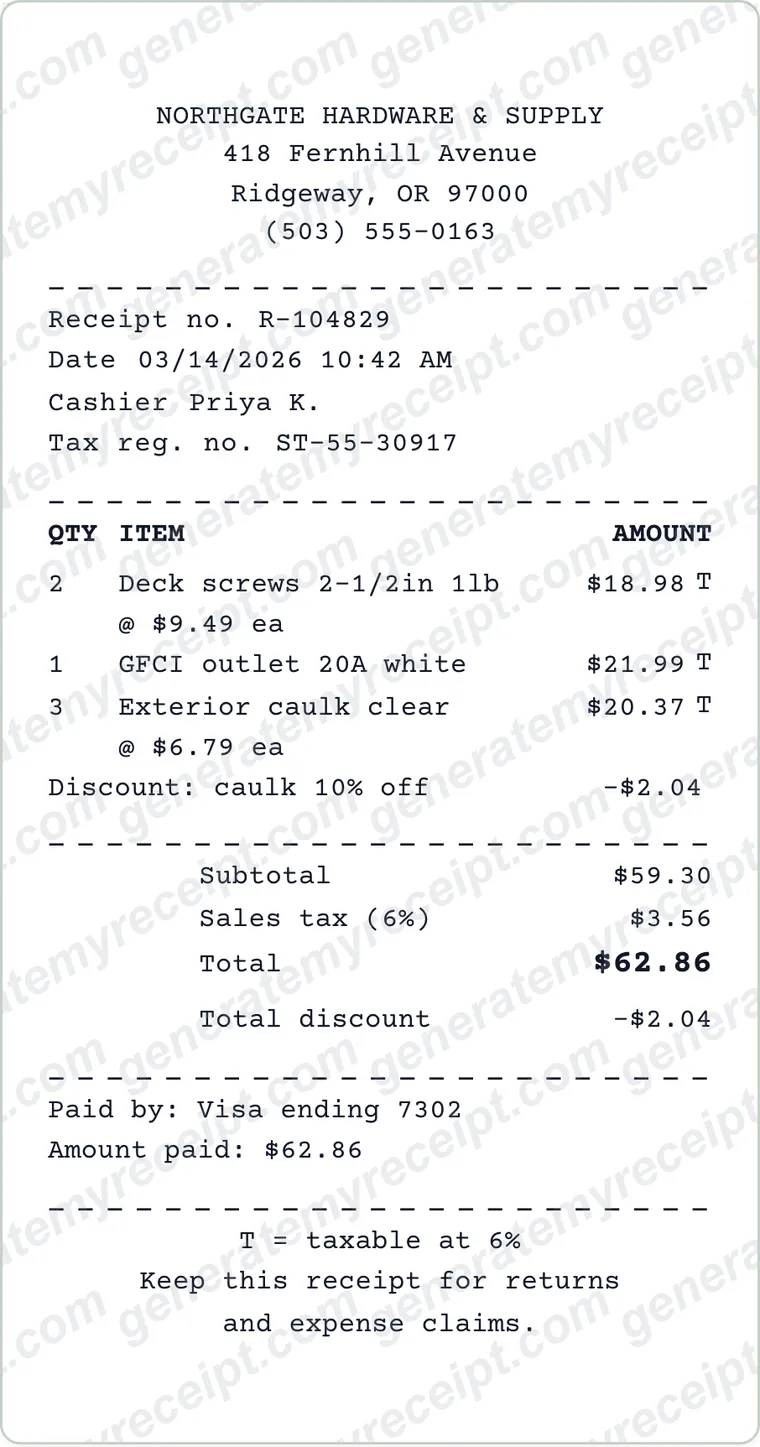
Ready to create your plumbing receipt?
Free downloads include a watermark. No account required.
Use Honestly: use these receipts for payments you actually received. Don't use them to claim expenses, returns or tax deductions for purchases that didn't happen.