Free Online Receipt Maker — Editable, Clear, No Signup
Free Online Receipt Generator for Itemized Receipts
Choose an editable receipt format, add business and transaction details, review the itemized totals as you type, then download a PDF or PNG. Basic receipt creation is free to start.
- No signup required
- Works on any device
- Private & secure
Business name
Maple Studio Co.
Customer
Jordan Riley
General Receipt Maker
Create an Itemized Receipt Online
Start the live editor when you are ready. The landing page stays lightweight; the receipt-making application loads only when you use it.
Build a receipt in your browser
Your details stay in the browser while you edit. Start with the sample receipt, replace each field, and export when it looks right.
- Edit business, customer, item, tax, and payment details
- See itemized totals update in the live builder
- Download a clean PNG without creating an account
The editor loads after you choose to start it.
Willow Craft Shop
R-3305 · Jun 24, 2026
Billed to Riley Chen
- Ceramic mug × 2$38.00
- Gift wrap$4.00
- Candle set × 1$26.00
Choose by Task
Start With What You Need to Record
Use the receipt maker for a transaction you handled, an internal record you can support, or a clearly labeled sample.
- Business receipt — document a sale or service for which your business received payment
- Cash-sale receipt — issue a clear record as the seller for an in-person transaction
- Internal transaction summary — organize details alongside the original supporting evidence
- Product demo — create a clearly labeled sample for software testing, training, or design
Focused starting points
- Business receipts
- Service payments
- Cash sales
- Transaction records
- Product demos
- UI mockups
Choose the job first, then select the receipt format that fits. Store-style templates are available when the layout matters.
Templates
Focused Receipt Templates for Popular Stores
Choose a store-style layout when the format matters, edit the transaction details in the live builder, and export a PDF or PNG.
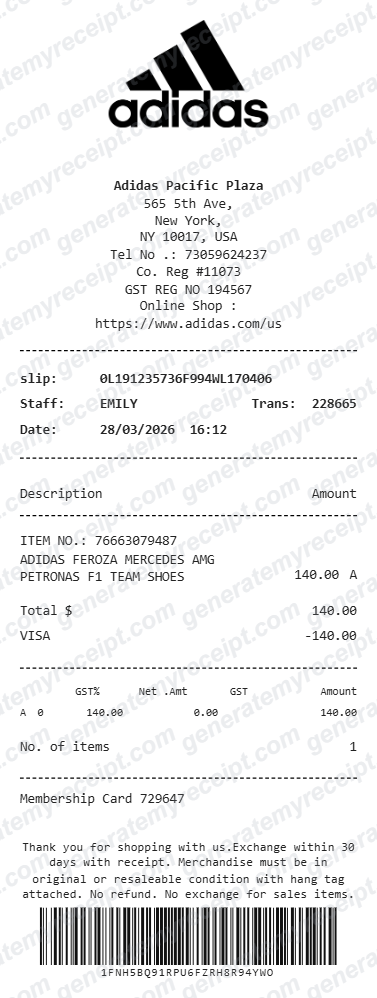
Retail
Adidas Receipt
Thermal layout with editable store, item, tax, payment, and barcode fields.
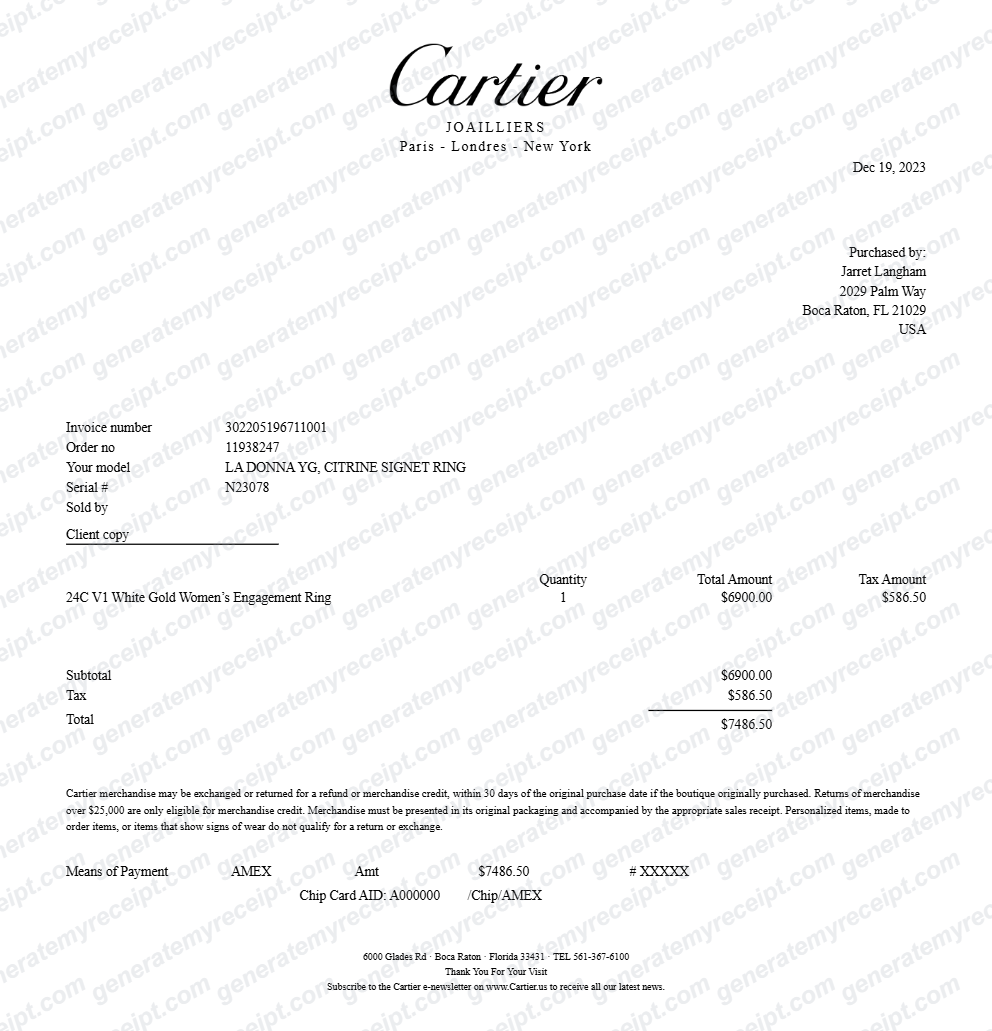
Luxury
Cartier Receipt
Boutique layout with purchaser, reference, item, tax, and payment fields.
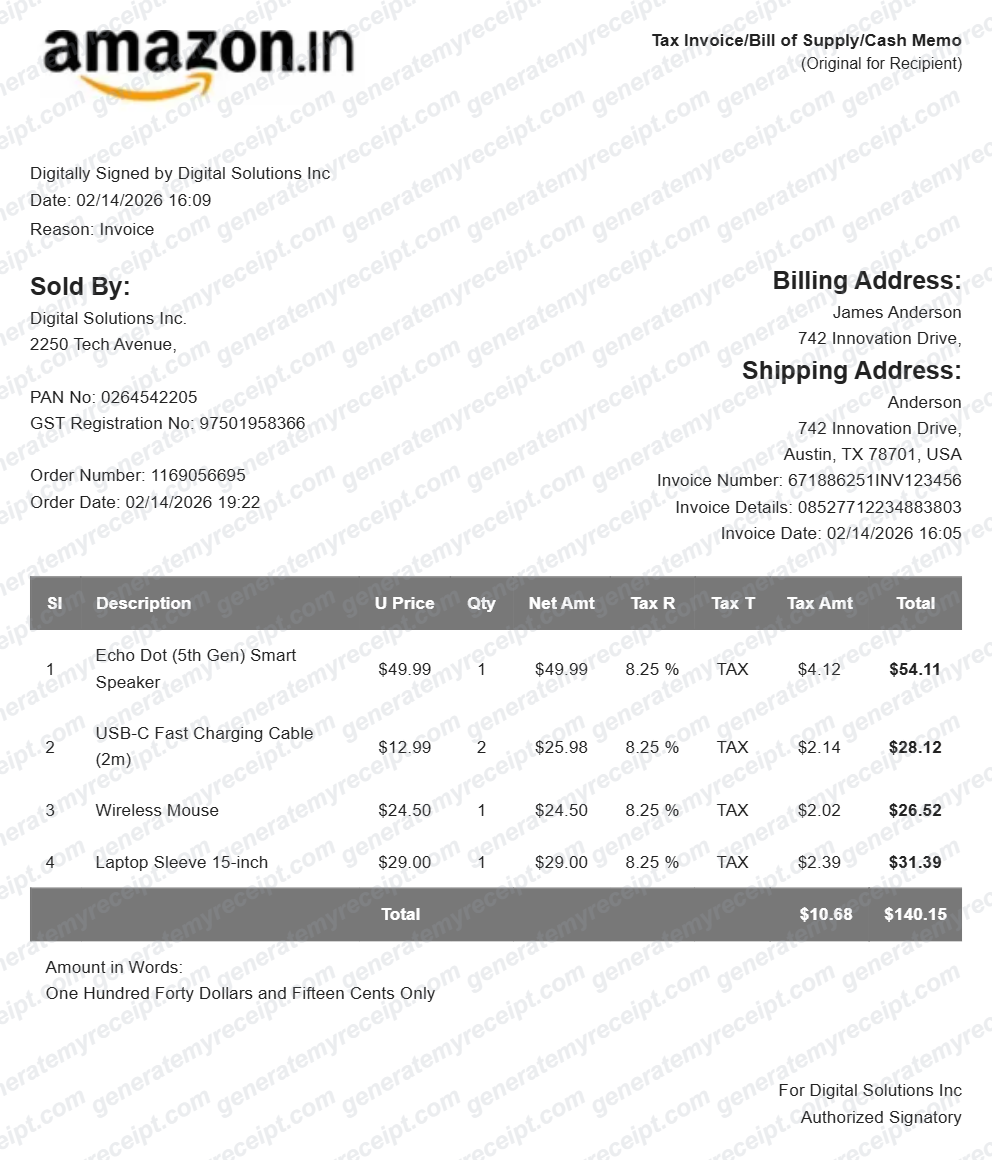
Marketplace
Amazon Receipt
US invoice layout with seller, billing, shipping, item, and sales-tax fields.
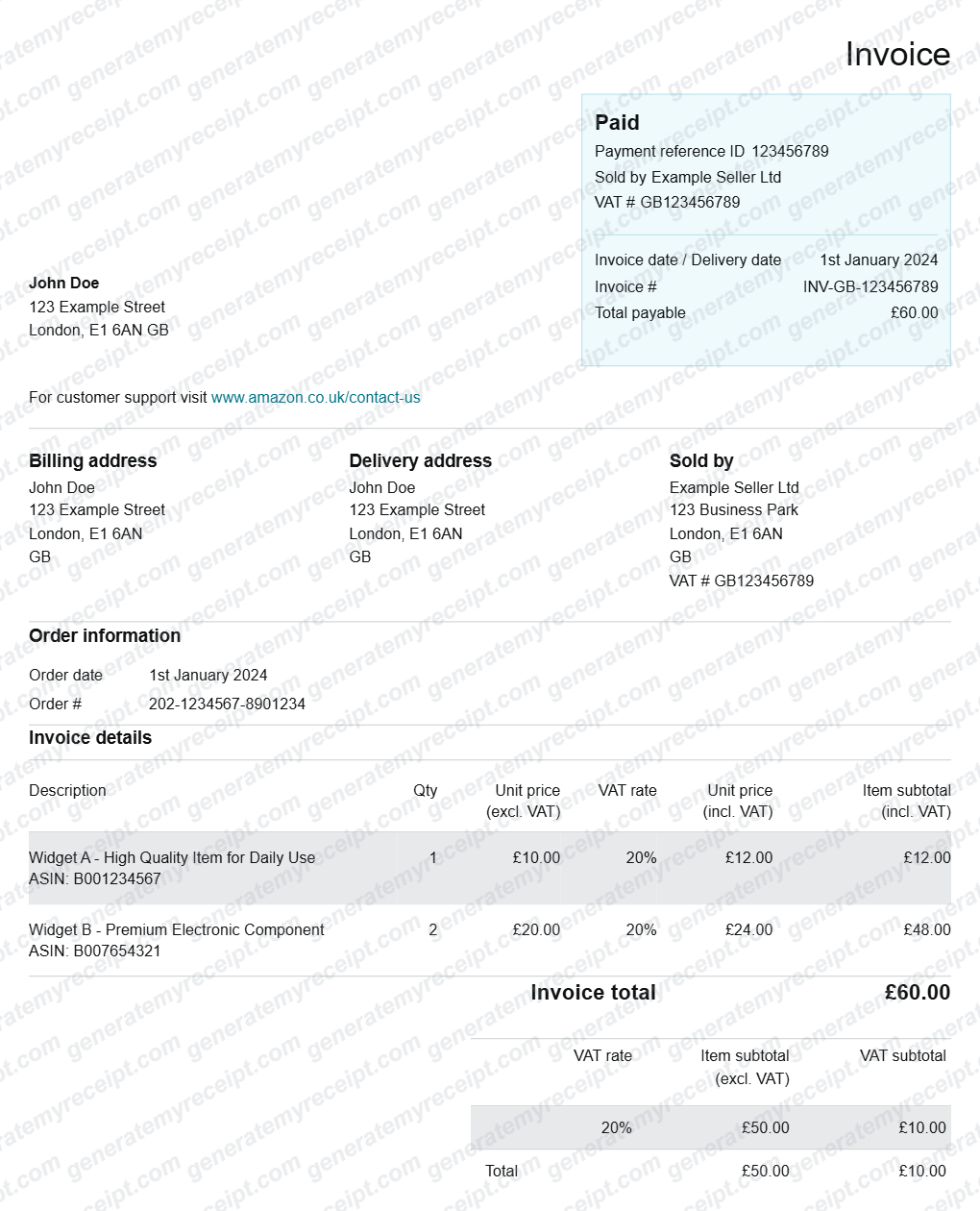
Marketplace
Amazon VAT Invoice Template (UK/EU)
UK and EU invoice layout with VAT, delivery, billing, and payment-reference fields.
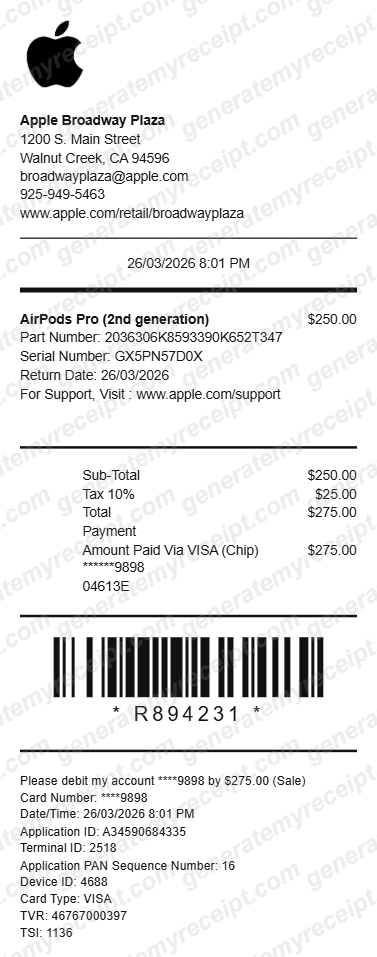
Electronics
Apple Store Receipt
Thermal layout with product, serial, tax, payment, and barcode fields.
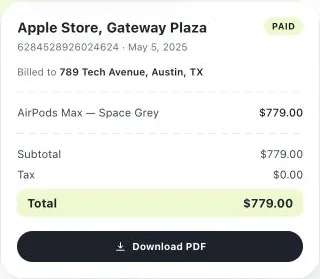
Electronics
Apple Store Receipt (Boxed Layout)
Boxed mockup layout with logo, store, item, payment, and barcode sections.
Basic generators are free to try without signup. Add your own transaction details and review the result before export.
Browse all receipt generatorsHow It Works
Create a Receipt in 4 Clear Steps
Choose, edit, review, and export—without designing a receipt from a blank document.
- 1
Choose the right format
Start with a general receipt or a store-style template that matches the transaction.
- 2
Enter the transaction
Add the seller, date, items or services, quantities, prices, tax, and payment details.
- 3
Review every detail
Check the live preview, itemized totals, spelling, and transaction information before export.
- 4
Download or share
Save the finished receipt as a PDF, print it, or send it to the customer for your transaction.
Responsible Use
Use Receipt Templates for Clear, Honest Records
Generate receipts for transactions you handled, organize information you can support, or create clearly labeled samples—never to misrepresent where a document came from.
Lost the Receipt?
Ask the seller for a replacement or download the original from your account first. If it cannot be recovered, use the builder only to organize transaction details for your own records and keep it with bank statements, invoices, or other supporting evidence.
Never Got One to Begin With?
If your business completed a genuine cash or in-person sale, create a receipt for the customer using the actual transaction details. If you were the buyer, request the receipt from the seller rather than creating a merchant-issued document yourself.
Need a Receipt Mockup?
Build sample receipt content for a prototype, tutorial, presentation, or software test. Use fictional information and label the output as a sample when someone could mistake it for a real transaction.
Generated receipts are not merchant-issued originals
Do not present an editable template as an original retailer receipt. For returns, warranties, reimbursements, insurance, or tax records, use the original merchant document and any other evidence accepted by the organization reviewing it.
Why GenerateMyReceipt
Built for Clear, Reviewable Receipt Records
Each template combines common transaction fields with a live preview, so you can check the information before you export it.
Common Receipt Details, Built In
Start with the business name, transaction date, itemized description, amount paid, and payment method. Requirements can vary by business, country, and intended use, so review the finished receipt before sharing it.
- Business name
- Transaction date
- Itemized description
- Amount paid
- Payment method
Preview As You Build
Every field updates the receipt in real time, so you catch a typo or a wrong total before it reaches a customer — not after.
Flexible Export Options
Download the receipt for your records, print a copy, or send it to the customer connected to the transaction.
Store-Inspired Layouts
Choose layouts inspired by common Adidas, Cartier, Amazon, and Apple receipt formats when you need a specific visual structure.
FAQ
Frequently Asked Questions
What is a receipt generator?
A receipt generator — also called a receipt maker — is an online tool that lets you create a formatted, itemized receipt without designing one from scratch in a spreadsheet or document editor. GenerateMyReceipt's live editors recreate the look of real stores like Adidas, Cartier, Amazon, and Apple.
What information should a receipt include?
Common receipt details include the seller or business name, transaction date, itemized products or services, quantities, prices, tax, total paid, and payment method. The exact requirements can vary by business, country, and intended use.
Is GenerateMyReceipt free to use?
Yes. You can create and download basic receipts for free. Optional paid plans add saved branding, templates, and unlimited receipt storage for growing businesses.
Can I customize my receipt template?
Yes. Add your business logo, name, address, and contact details, and choose from multiple layout styles to match your brand.
What file formats can I download my receipt in?
Receipts can be downloaded as a PDF, printed directly, or emailed to your customer instantly.
Is this tool suitable for small business bookkeeping?
It can help a business issue consistent, itemized receipts for its own genuine sales and services. Keep each receipt with the related payment, invoice, order, or accounting record, and ask a qualified adviser which records your business must retain.
What's the difference between a receipt and an invoice?
An invoice generally requests payment and lists what is owed. A receipt records that payment was received. Some transactions use both documents, and the exact fields or legal requirements can vary by location and business type.
Is a generated receipt an original merchant receipt?
No. It is an editable document created from information you provide. Do not present it as an original retailer-issued receipt. For returns, warranties, reimbursements, taxes, or insurance claims, use the original merchant record and any other evidence accepted by the organization reviewing your claim.
Do I need to create an account to use it?
No account is required to generate a basic receipt. Creating a free account lets you save your business details and access your receipt history later.
Create a Clear, Itemized Receipt
Choose a receipt format, enter the details of your sale or service, review the totals, and download the finished record.
Basic receipt creation requires no signup or credit card.